
Mobile Play and Cross-Device Access
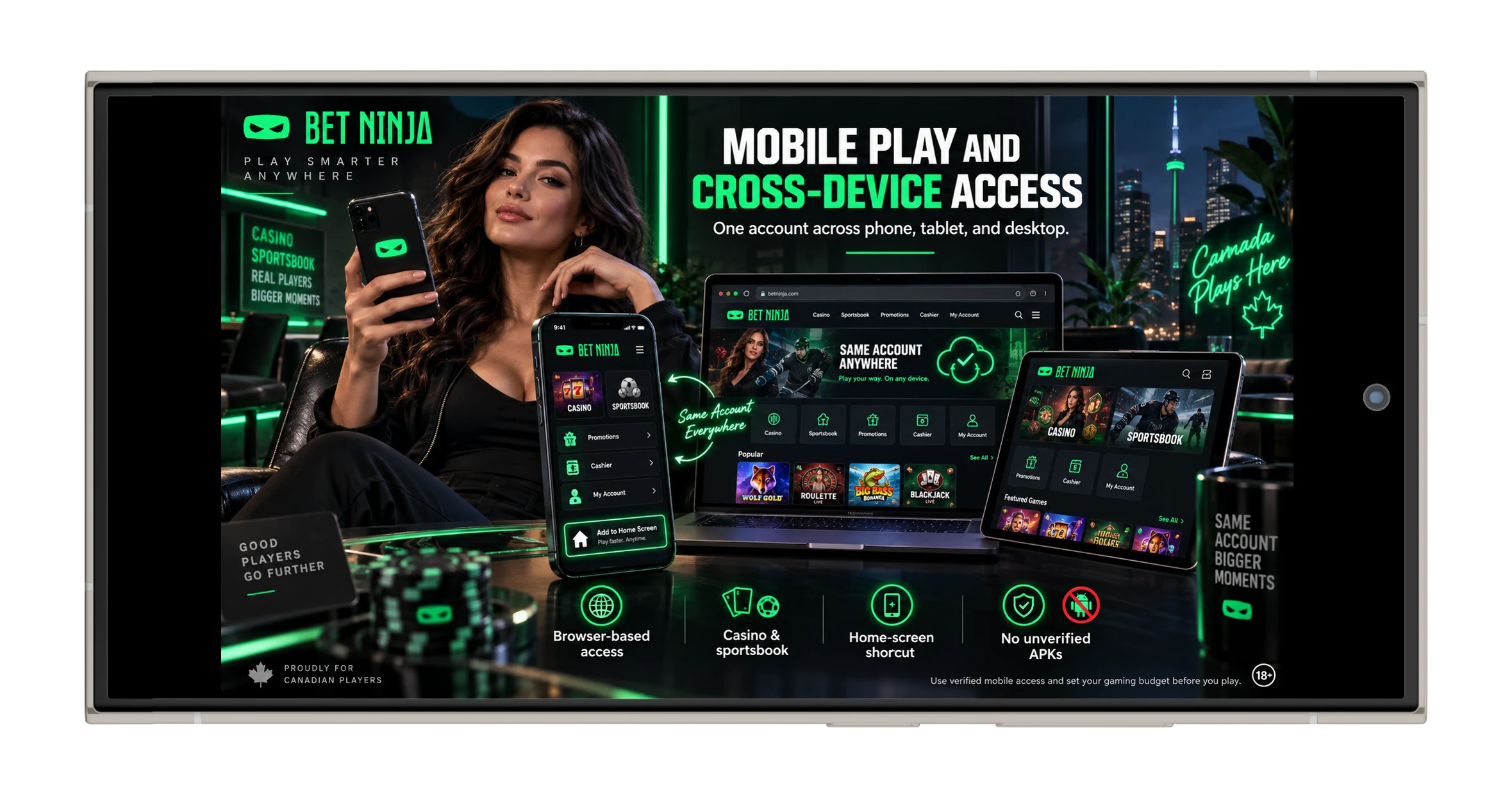
Using Betninja from a phone or tablet does not require squeezing a desktop interface onto a tiny display and hoping for the best. The current mobile experience is primarily browser-based, with the casino, sportsbook, and account tools adapting to iPhones, Android phones, and tablets. Recent checks do not reliably confirm a dedicated native iOS or Android application; instead, the strongest evidence points to a responsive web experience that can also be saved to the home screen as an app-style shortcut or PWA. That approach has a practical upside: no large installer, no manual app updates, and much less temptation to download a suspicious APK from somewhere that looks official only because it has a ninja logo. The same player account remains available across desktop and mobile, so changing screens should not mean creating another registration.
Use the verified mobile access route and set a gaming budget before opening the lobby.
Starting from a Smartphone Browser
The simplest mobile route begins with a modern browser. Safari is the natural option for iPhone and iPad, while Chrome provides the strongest app-style shortcut support on Android; recent mobile guidance also indicates that most modern Android browsers can open the responsive service. The interface reorganizes menus, game grids, and sportsbook controls to make them easier to tap rather than merely shrinking the desktop layout. Casino titles, live tables, account controls, and sports markets remain accessible, while the bet slip is formatted for narrower screens. That makes the phone version functionally close to desktop, although fewer panels can fit on screen at once.
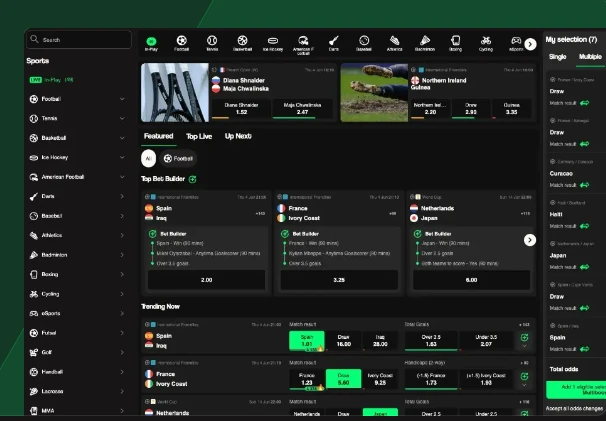
| Device | Recommended Access | Main Difference from Desktop |
|---|---|---|
| iPhone | Safari | Compact touch navigation and home screen shortcut |
| iPad | Safari | More room for live tables and game grids |
| Android phone | Chrome | Responsive lobby and PWA-style shortcut |
| Android tablet | Chrome | Wider sportsbook and casino layout |
| Desktop/laptop | Modern browser | More menus and information visible simultaneously |
Live casino is where connection quality matters most. A static promotions page can load perfectly over a mediocre signal while a dealer stream starts behaving like a slideshow from 2008… not ideal. Updating the browser, closing unnecessary background apps, and using stable Wi-Fi can improve video performance. The sportsbook is less video-heavy, but live odds still depend on a reliable connection because markets can refresh or suspend quickly. Switching devices does not change the underlying game odds or sportsbook rules.
Open the mobile lobby first and check performance before placing a real-money wager.
Installation, PWA and Shortcut Options
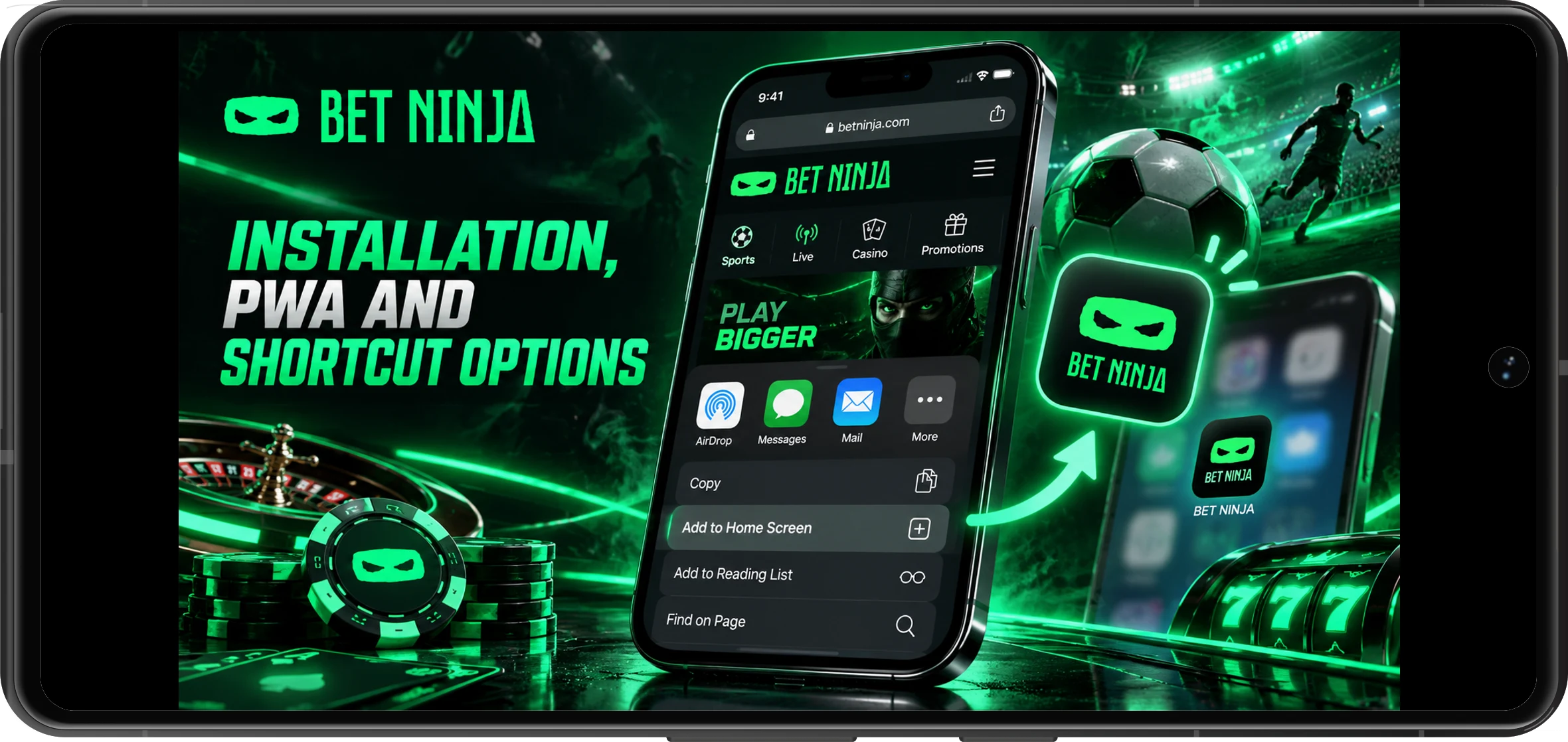
A conventional native installation is not necessary for the currently verified mobile experience. Current August 2026 reviews describe Betninja as using a mobile-optimized responsive service rather than a dedicated App Store or Google Play application. There are conflicting third-party claims about APK downloads, but those claims are not consistent enough to justify telling Canadian users to install an Android package. The safer confirmed option is a browser shortcut that launches the platform from the Home Screen and can behave much like a lightweight PWA. On supported setups, the shortcut can open without the usual browser clutter, giving the experience a more app-like feel.
This browser-first format also reduces maintenance. Updates are delivered on the web side instead of waiting for a user to install another version, and the same interface works across multiple device types. Storage use stays low because there is no large casino application sitting on the phone. Most importantly, users do not need to enable Android’s “install unknown apps” permission simply to reach slots or sports betting. If an advertisement insists that a secret APK provides better odds, extra winnings, or special access— that is a reason to stop, not a reason to tap Download.
Choose the browser or verified home screen shortcut instead of installing an unconfirmed file.
Steps for iPhone and Android Users
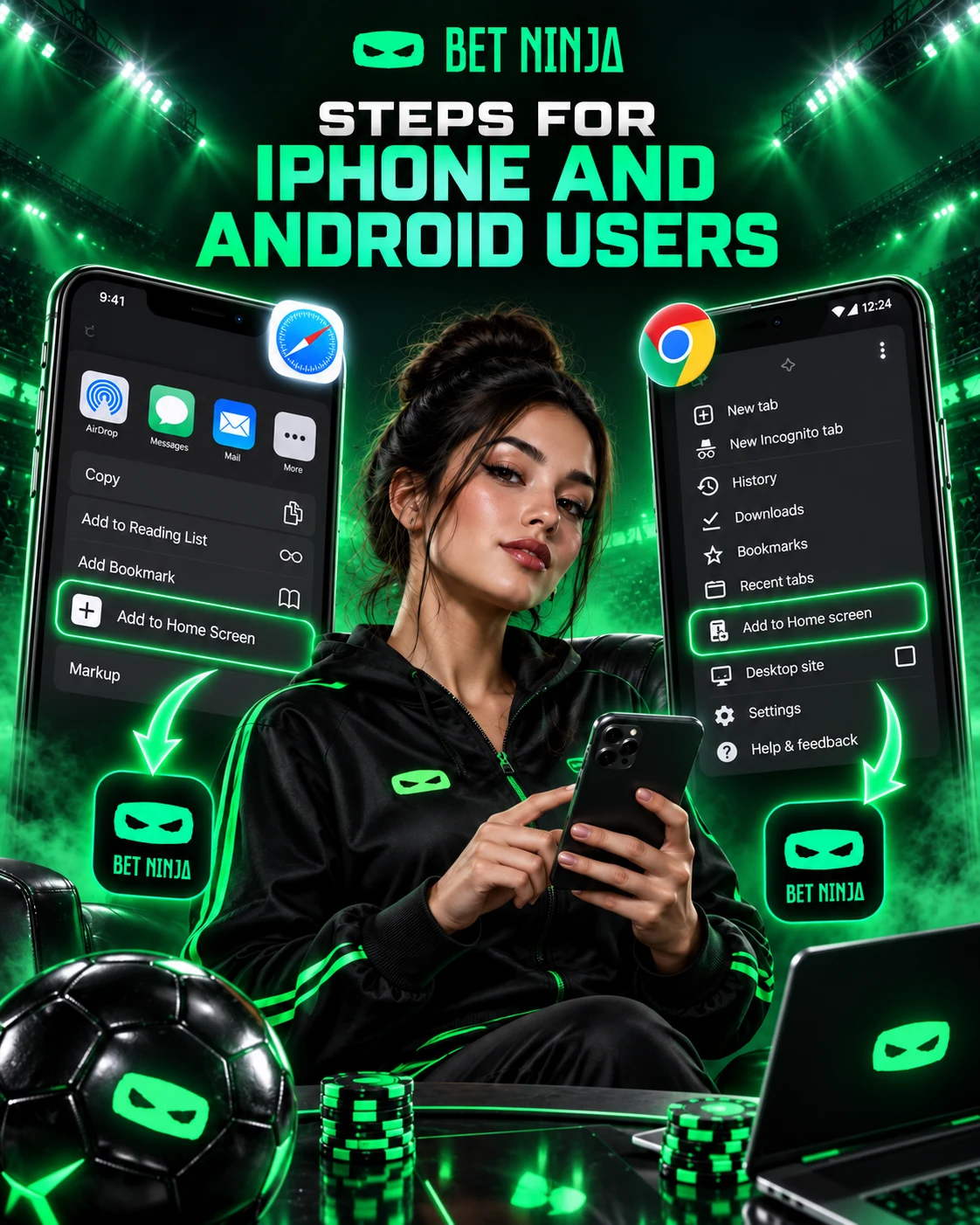
Setting up quick access takes only a moment, but the first step is always verifying the page you are saving. Creating a Home Screen icon does not magically authenticate a website; if the wrong page is open, you will simply create a very convenient shortcut to that page. iPhone users should use Safari for the most complete shortcut behaviour, while Android users will generally get the best PWA-style experience in Chrome. Keep the operating system and browser updated before using live casino or payment functions. The shortcut can then provide fast access without changing how the account itself works.
For iPhone and iPad:
- Open Safari and navigate to the verified mobile service.
- Check that login, casino, sportsbook, and account areas load correctly.
- Tap Safari’s Share button.
- Select Add to Home Screen.
- Confirm the shortcut name and save it.
- Open the new icon once to confirm it returns to the correct service.
For Android phones and tablets:
- Open an updated version of Chrome.
- Navigate to the verified service and test the main account areas.
- Open Chrome’s three-dot menu.
- Select Add to Home Screen or the available install/shortcut option.
- Confirm the shortcut.
- Launch it and verify that it opens the same account environment.
There is no need to create a separate mobile account after saving the shortcut. Balances, personal details, and promotions belong to the player profile, not to the physical device. Logging in on a new phone should therefore return the same account once authentication is completed. On shared devices, however, log out when finished and avoid saving passwords automatically. Convenience is excellent; accidentally giving someone else one-tap access to your cashier is somewhat less convenient.
Set up quick access only after verifying the page and securing the device.
Mobile Features and Account Tools
The mobile version is not merely a stripped-down slot launcher. Current reviews report access to the main casino catalogue, live games, sportsbook, account controls and payment functions through responsive mobile browsers. That means a Canadian user can move between casino play and sports markets without returning to a computer. Promotions are also accessible from smaller screens, which matters because several current campaigns use account or bet-slip notifications rather than a traditional coupon code. Customer-support access and profile management remain part of the mobile environment as well. In practical terms, you can complete most everyday tasks from your phone.
Mobile users can access:
- Slots, table games, instant titles, and supported live dealer rooms.
- Pre-match and live sportsbook markets with mobile bet-slip controls.
- Deposits, withdrawal requests, and cashier information are available to the account.
- Current promotions and reward notifications.
- Profile information, account settings, and transaction history.
- Customer-support tools for payment, verification, and technical questions.
The current promotional material includes several mechanics that can also be followed on mobile. Mystery Drops requires €100 in qualifying casino wagering—about C$161.64 at the August 26, 2026 rate—for a chance to receive a following-day reward worth up to €100, again roughly C$161.64. Multiboost can add up to 55% to an eligible winning accumulator with at least three selections at minimum odds of 1.20 per leg. Boosted odds apply to selected major football markets, while the €10,000,000 Kash Drops campaign pool equals roughly C$16.16 million at the same exchange rate. These figures describe promotional limits and campaign pools, not guaranteed player returns.
Mobile access makes it effortless to check a bonus while sitting on the couch, travelling, or waiting for a match to begin. That same convenience can make repeated wagering almost too frictionless, so responsible-gaming controls matter just as much on a phone as they do on desktop. Set a spending limit before the session, avoid chasing previous losses, and treat promotions as optional extras rather than targets that must be completed.
Use mobile tools within a fixed entertainment budget instead of letting a promotion decide how much you spend.

Troubleshooting Performance and Login
Most mobile problems have fairly ordinary causes. If the page will not load, start by checking the connection, refreshing the browser, and making sure Safari or Chrome is current. If only live casino video is struggling, weak Wi-Fi or cellular bandwidth is a more likely culprit than a broken player account. Closing background apps or moving to a stronger connection can often improve streaming without changing any casino settings. If several pages behave strangely at once, restarting the browser is a sensible next step.
Cookies and cached site data can occasionally cause login loops or make an outdated page appear. Clearing site-specific cookies and cache can help, but remember that the process usually signs the user out and may remove saved preferences. Make sure account recovery information is available before clearing everything… Locking yourself out while fixing the login screen would be a particularly efficient form of troubleshooting irony. If the password is genuinely forgotten, use the standard recovery option rather than repeatedly guessing or opening a duplicate account. Contact information that no longer works should be handled through legitimate support.
Cross-device access can also create confusion when an old session remains open somewhere else. If authentication behaves unexpectedly after changing phones or tablets, log out of older sessions where possible and sign in again on the current device. Avoid using public Wi-Fi for sensitive actions such as deposits, withdrawals, or document verification, as you have limited control over the network. Never install an APK, remote-control tool, or “mobile fix” sent through Telegram, WhatsApp, or an unsolicited direct message. A legitimate technical problem does not require handing over a password or authentication code.
Finally, technical convenience does not remove gambling risk. If a frozen screen, rapidly changing sports market, or repeated login issue makes it difficult to track stakes accurately, stop the session instead of repeatedly submitting wagers. Mobile casino and sports betting should remain entertainment, with money and time limits established before play begins.
Fix browser and connection issues first, and pause gambling whenever technical problems make spending harder to monitor.