
Setting Up a Player Account
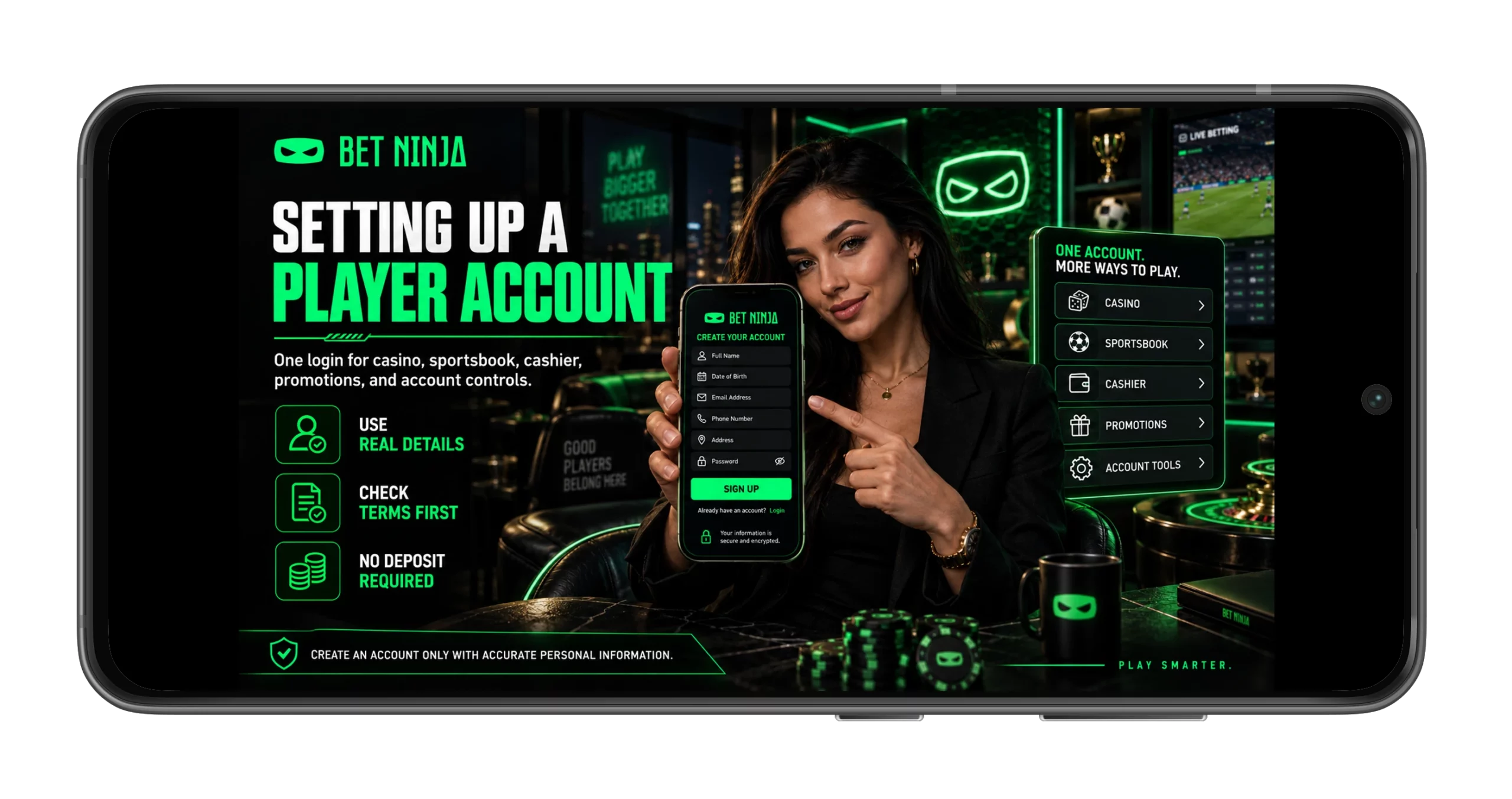
Creating a Betninja player profile gives Canadian users access to the casino, sportsbook, cashier, promotions, and personal account controls through one login. The process itself is fairly compact, but accuracy matters more than speed because registration details can later be compared with identity and payment information during KYC. Current 2026 registration checks consistently report standard fields such as legal name, date of birth, email, phone number, password, and residential information, although the exact order can change with interface updates. That means inventing an address or shaving a few years off your birthday is a spectacularly bad shortcut… especially when a withdrawal review arrives later. Registration also does not oblige anyone to deposit immediately, so there is time to inspect account settings and promotional conditions first.
Create an account only when you can provide accurate details that match your real identity.
Completing the Sign-Up Form
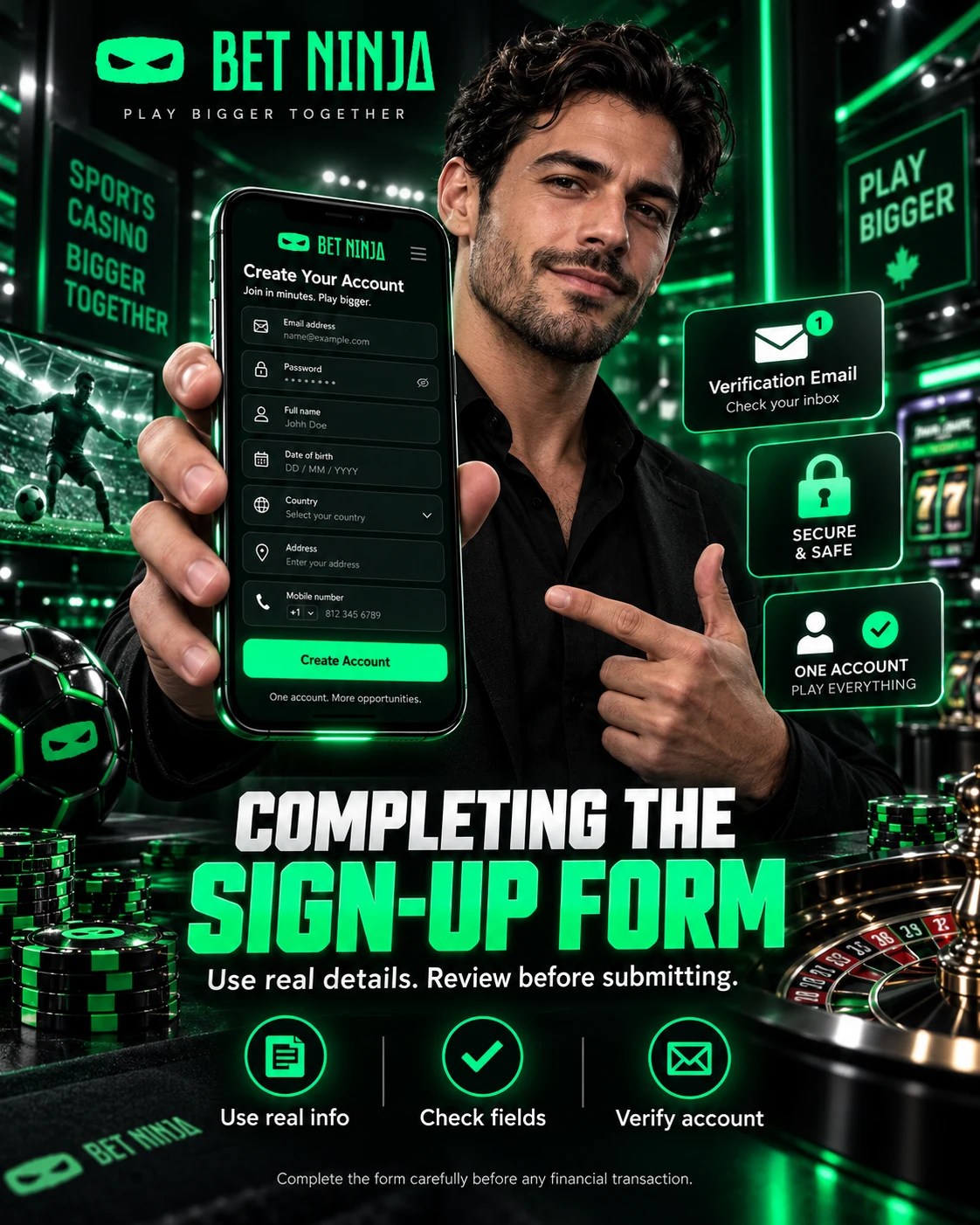
The current registration journey begins with the account-creation button and asks for basic identity, contact, and security information. Recent Canadian-oriented testing describes email, password, country, full name, date of birth, address, and mobile number as part of the sign-up process. Other fresh August checks similarly report name, birth date, email, and password as core fields, which suggests a fairly conventional setup rather than some exotic registration ritual. The live form should still be followed exactly, because the operator can add, remove, or reorder fields. Before submission, review everything one more time; fixing a typo now is considerably easier than explaining a mismatch to a verification team later.
A practical registration flow is the following:
- Open the verified registration page and select the option to create an account.
- Enter the email address and password requested by the current form.
- Add your legal name, birth date, and residential information exactly as they apply to you.
- Provide a mobile number if the form requests one for contact or recovery purposes.
- Select the country and account settings shown as available to your profile.
- Read the age, regional, and account rules before accepting the terms.
- Submit the form and complete any email-confirmation step that is actually displayed.
Do not create a second account just because a confirmation message takes a few minutes to arrive. Check the spam folder first, confirm that the email address was typed correctly, and use the normal resend or support process if necessary. Duplicate profiles can cause trouble with promotions, KYC, and payment ownership checks later. A single clean account is easier to manage across casino, sports, and mobile access.
Complete the form carefully and verify the account before making any financial transaction.
Information Needed for an Account
The information requested during registration has a practical purpose. Personal details identify the account holder, contact information supports communication and password recovery, and residential data can later be compared with proof-of-address documents. Recent account guides consistently list full legal name, date of birth, email, phone number, and address among the information associated with profile creation or verification. Passwords should be unique and hard to guess, especially if the same device is also used for banking or email. And yes, “Password123” remains a terrible idea even if it is technically easy to remember.
| Account Detail | Why It Matters | What to Check |
|---|---|---|
| Full legal name | Links the profile to identity documents | Match the spelling on your ID |
| Date of birth | Supports age and identity checks | Enter the real date |
| Email address | Login, recovery, and account messages | Use an inbox you control |
| Mobile number | Contact and possible security steps | Check number and country code |
| Residential address | Can support KYC and payment review | Use your current real address |
| Password | Protects access to the account | Make it unique and strong |
Keep account information consistent if you later fund the profile. A payment method in another person’s name can trigger additional questions because operators commonly verify payment ownership during compliance checks. If your address or contact details change, update them through legitimate account controls or customer support rather than opening another profile. That small bit of housekeeping can prevent a surprisingly large headache at withdrawal time.
Review your saved personal details before using the cashier.
Identity Checks Before Full Access
KYC, short for Know Your Customer, is used to confirm identity, age, residence, and sometimes payment ownership. Fresh Betninja-focused verification material describes government-issued identification and proof of address as standard documents, with additional information possible when a higher-risk review is triggered. Canadian-facing guides likewise describe identity documents and address verification as part of account controls rather than an optional extra that only appears after a large win. Verification can occur before a withdrawal or at another point when the account requires a compliance check. The easiest path is boring but effective: use real data from day one and submit readable documents when requested.
Commonly requested verification material can include:
- A government-issued passport, driver’s license, or accepted photo identification.
- A recent utility bill, bank statement or other accepted proof of residential address.
- Evidence that the payment method belongs to the registered account holder when required.
- Additional information if enhanced identity or source-of-funds checks are triggered.
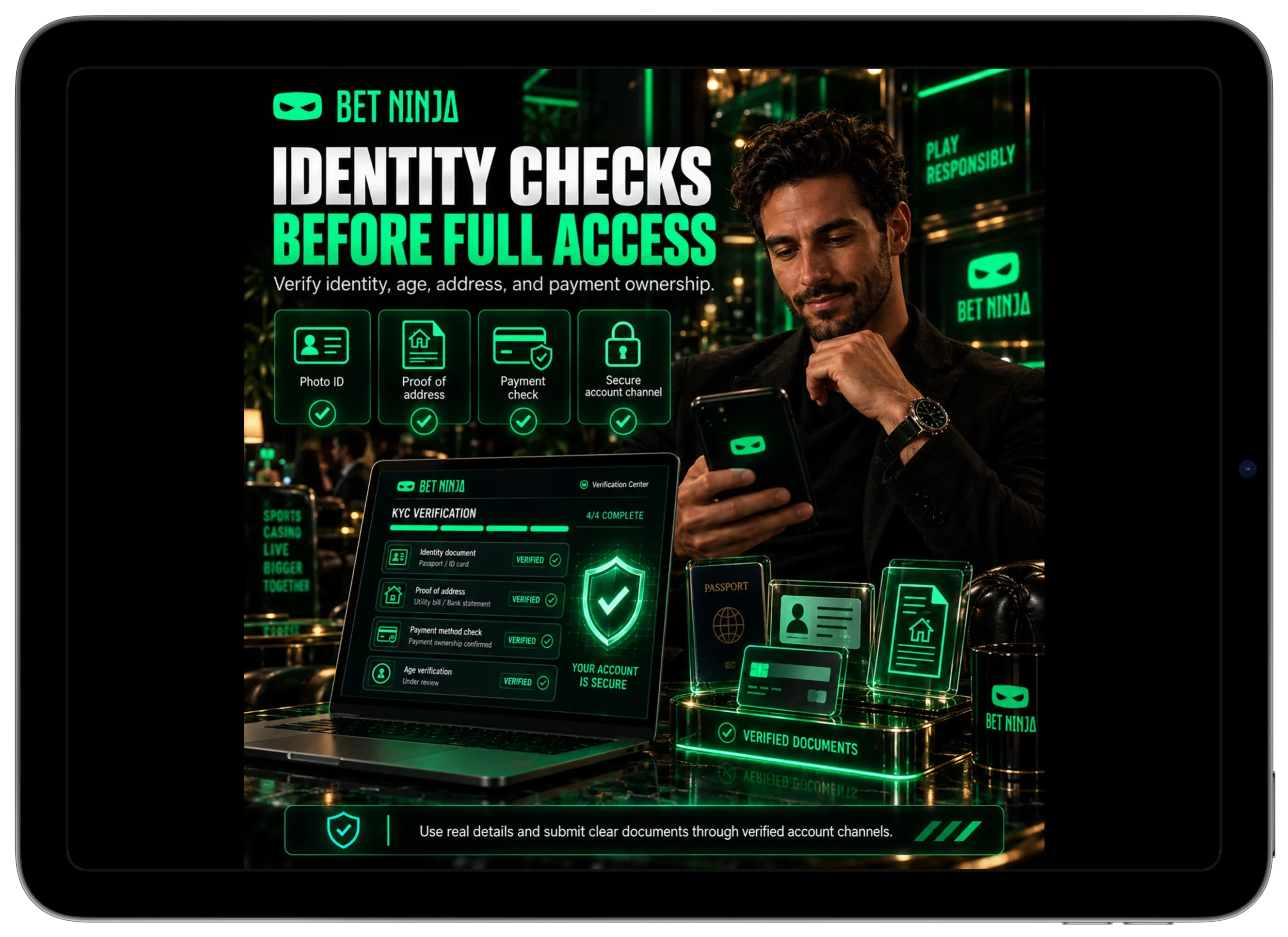
Documents should be current, legible and unaltered. Avoid cropped images that remove document edges or glare that makes names and numbers unreadable; compliance teams are reviewing identity, not judging an abstract photography contest. Sensitive documents should also be submitted only through a verified account or support route. Never send a password, one-time authentication code or full payment credentials to somebody who contacts you unexpectedly through Telegram or another messaging service.
Complete verification through secure account channels and keep your documents consistent with the profile.
Using the Profile After Registration
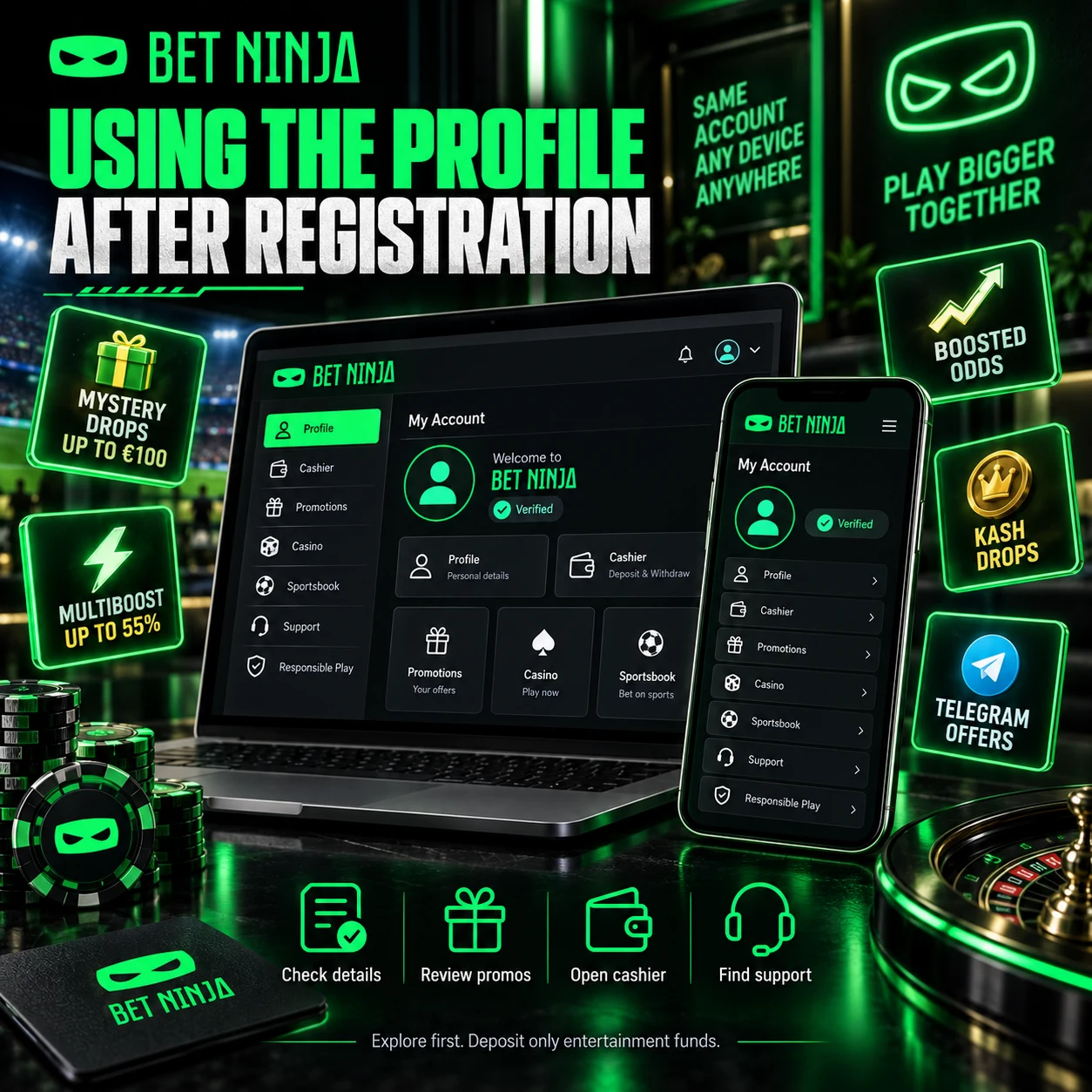
After account creation, there is no need to sprint directly toward the first deposit. Sign in, confirm the profile details, and spend a few minutes locating the cashier, promotions area, casino lobby, sportsbook, and support controls. Current Betninja material shows that promotions include Mystery Drops, Multiboost, selected Boosted Odds, Kash Drops, and Telegram-exclusive rewards, while the account also provides access to casino and sports products. Recent mobile and platform checks show that you can access these areas from the same account across desktop and mobile browsers. That means your first useful action may simply be learning where everything is.
Good first checks include:
- Confirm personal and contact details in the profile.
- Open the cashier and review the methods, currencies, and limits shown to your account.
- Read current promotion terms before selecting a bonus or depositing.
- Browse casino and sports sections without assuming that registration requires immediate play.
- Locate support, security options, and responsible-gambling controls before you need them.
The supplied Mystery Drops campaign requires €100 in qualifying casino wagering for a chance at a reward worth up to €100 the following day. At the August 26, 2026 rate of €1 = C$1.61636; €100 is approximately C$161.64. Multiboost can add up to 55% to an eligible winning accumulator with at least three selections at minimum odds of 1.20 per leg, while the €10,000,000 Kash Drops pool equals roughly C$16.16 million at the same nearby exchange rate. Those are campaign figures, not guaranteed winnings or reasons to spend beyond a planned budget.
Explore the account first and deposit only money already reserved for entertainment.
Fixing Common Account-Creation Problems
Most registration problems are remarkably ordinary. A form can reject incomplete information, an email may already be tied to another profile, a password might not satisfy security requirements, or a verification email can end up in spam. If the account says your contact details are already registered, use password recovery or support instead of creating slightly different versions of the same identity. Repeated account creation can complicate KYC and bonus eligibility later. If the form itself behaves strangely, an updated browser or a clean session often fixes more than frantic clicking ever will.
Browser cookies and cached data can also interfere with registration or login. Refresh the page first, check the internet connection, and then clear site-specific data if the same error persists; just remember that clearing cookies may sign you out. If a password is forgotten, use the normal recovery function rather than guessing repeatedly until an account-security lock appears. When a confirmation message does not arrive, verify the email spelling and spam folder before requesting another copy. Simple fixes first… Dramatic theories about the casino secretly deleting your account can wait until after you check your email and spam folder.
Regional restrictions are different from technical errors. Reaching a signup form does not automatically mean the service is permitted or available under every Canadian provincial framework, so users should check the rules applicable where they are located. Do not alter country information or use technical workarounds to bypass an eligibility restriction. Finally, successful registration does not make gambling a reliable income source; use time and spending limits, avoid chasing losses, and step away when play stops feeling recreational.
Use official recovery and support tools when sign-up fails, and never bypass identity or regional controls.